AI is already part of everyday work for half of home service businesses. The owners getting the most from it use it for repetitive office tasks, like estimates, follow-ups, review replies and call notes, rather than expecting it to run the business. Here are seven practical uses and where to keep a human in charge.
How many home service businesses use AI?
Jobber's 2026 Home Service Trends Report, a survey of 1,050 US owners, found:
- 52% use AI in daily operations, and 27% plan to adopt it within the next year.
- Among current users: 54% use it for quoting, 52% for invoicing and 51% for business writing.
- About 1 in 5 owners don't think AI will help their business.
1. Drafting estimates and quotes
Describe the job in plain words and let an AI assistant draft the scope, line items and customer-friendly explanation, using your own price book. You review and adjust the numbers. Many field service apps now build this in.
2. Follow-ups that actually happen
Unsent follow-ups are lost jobs. AI can draft a personal follow-up for every open quote ("Hi Dana, just checking whether you had questions about the water heater options"), which you approve and send, or which goes out automatically from your software.
3. Replying to reviews
Paste a review and get a draft reply that thanks the customer by name and mentions the job. Edit it so it sounds like you: BrightLocal's 2026 survey found 50% of consumers are put off by generic, templated replies.
4. Call and job summaries
Recording apps with AI transcription (with customer consent where required) can turn a call into a summary, a job note and a to-do list, so details don't get lost between the office and the van.
5. Answering after-hours calls and messages
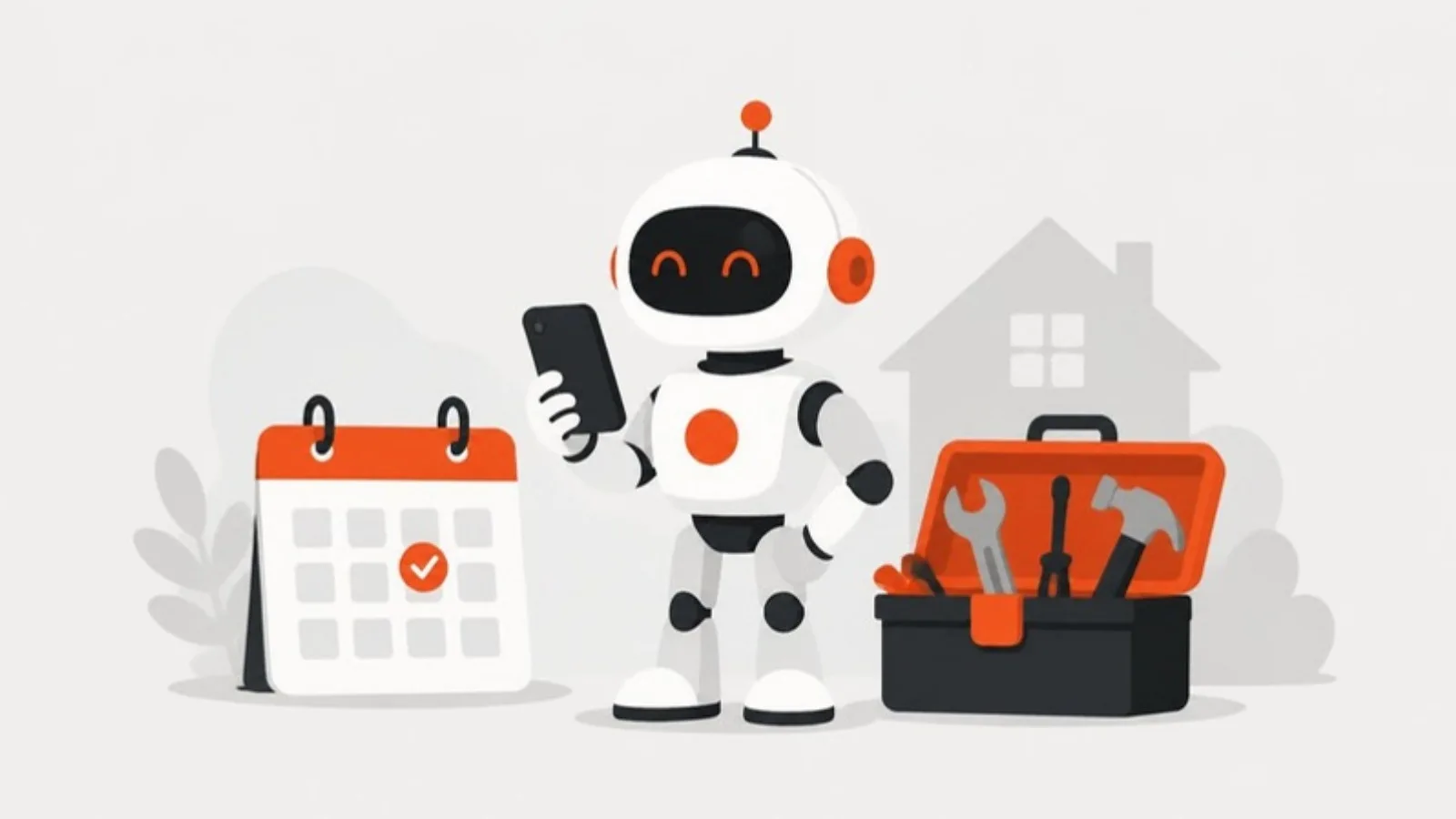
An AI receptionist or chat assistant can answer common questions, collect details and book simple jobs when your office is closed. With Google now charging for missed Local Services Ads calls, capturing overflow calls is worth more than ever. Test it on real calls and set a clear handoff to a person for emergencies. Here's how we built one for an HVAC and plumbing company: it answers around the clock, books into the calendar and sends emergencies to the on-call tech.
6. Writing for your website and social media
AI can help draft service descriptions, FAQs, job posts and social captions. Use it for structure and a first draft, then add what only you know: real prices, local details and photos of your work. That specific detail is also what helps you show up in AI search.
7. Automating the busywork between tools
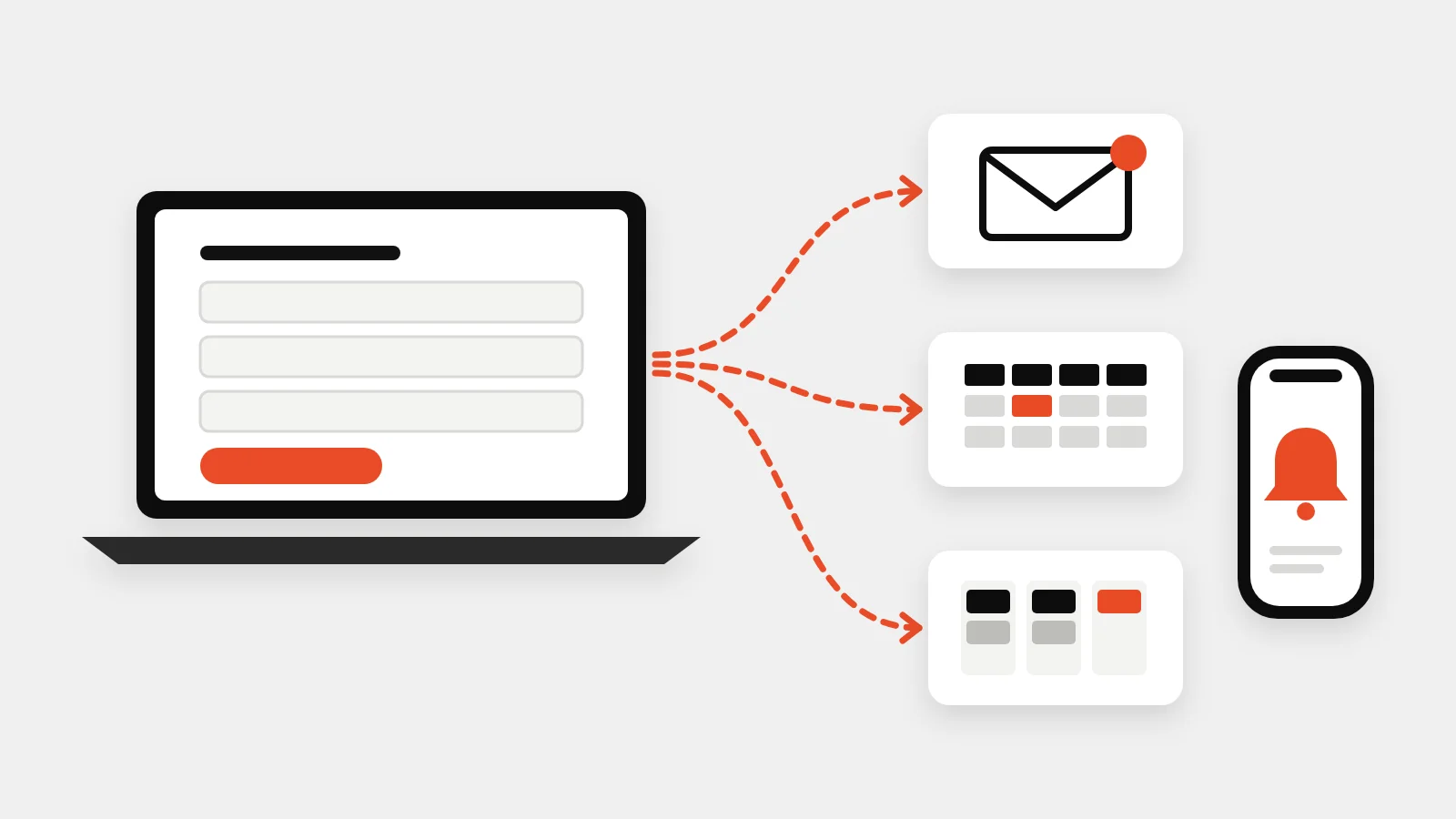
The biggest time savings often come from connecting the systems you already have: a form that creates a job in your software, sends a confirmation text and adds the customer to your email list, or a weekly report that pulls jobs, revenue and leads into one place. That's where automation earn their keep.
Where to keep a human in charge
- Pricing: AI drafts, you decide.
- Diagnoses and safety advice: never let a chatbot tell a customer a gas smell is fine.
- Anything legal or contractual.
- Reviews: using AI to write fake reviews is explicitly banned by the FTC's rule on consumer reviews.
Where to start
Pick one task that eats time every day, try AI on it for two weeks, and measure the hours saved. Then pick the next one.
If your team is copying data between apps or chasing follow-ups by hand, we build automations around how you work, and lead generation websites that feed leads straight into your systems. Get a fixed quote.