Most service businesses think they have a lead generation problem. Often they have a lead flow problem: the enquiries arrive, then get lost somewhere between the form and the first phone call. Fixing that is cheaper than buying more traffic, and it starts paying back the same week.
This guide covers where web leads leak, what a good lead flow looks like, and how to connect your website to your CRM.
Speed is the whole game
Homeowners with a leak, a broken AC or a project in mind usually contact more than one company. Jobber's 2026 Home Service Trends Report, based on a survey of 1,050 US home service owners, found:
- More than 55% of customers expect a reply within the hour.
- 28% expect an immediate reply.
- Response speed (25%) ranks third among the things customers weigh when choosing a provider, after price and reviews.
Every minute a lead spends in an inbox or waiting to be retyped is a minute a competitor can call first. We cover the response side in detail in our guide to speed to lead.
Where web leads leak
1. The shared inbox
Form submissions land in an email account that someone checks a few times a day. On a busy morning, a lead from 8 a.m. gets its first call after lunch.
2. Retyping into the CRM
Someone copies the lead from the email into Jobber, Housecall Pro, ServiceTitan or another CRM. It takes time, details get dropped, and the lead source is usually the first thing left out.
3. The half-finished form
Long forms that ask for the address and project details first lose people halfway. When the visitor leaves before the contact fields, there's nothing to follow up on.
4. No record of where the lead came from
Without the ad source or campaign saved with each lead, you can't tell which ads and pages bring booked jobs, so budgets get set by gut feel. Saving the source, campaign and landing page with every lead, and tracking calls the same way, fixes it.
What a good lead flow looks like
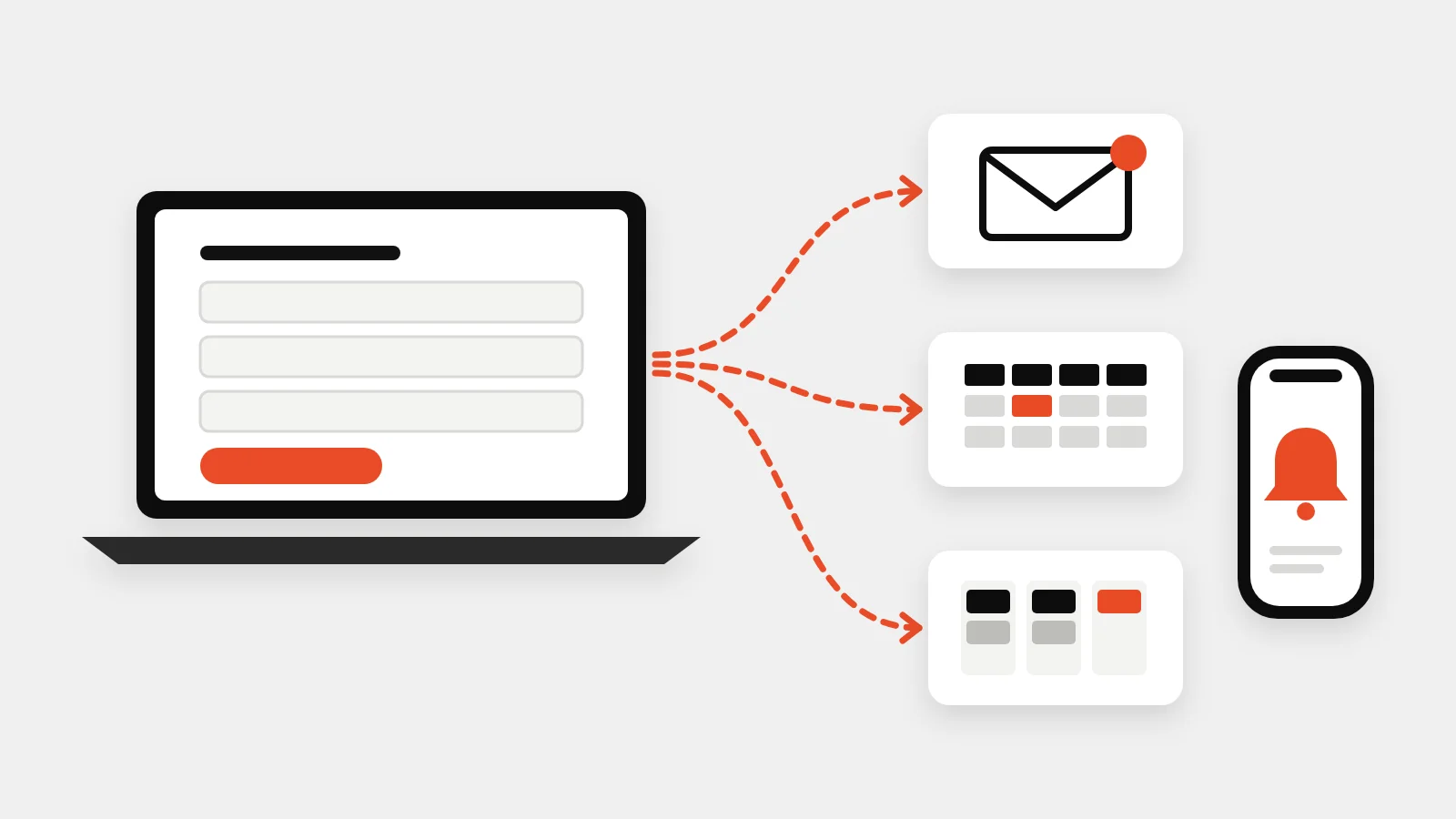
A lead flow is the path from the form to a booked job. A good one does five things automatically:
- Captures the lead early. Name, phone and email come before the address, so even an unfinished form leaves you a way to call back.
- Alerts the team instantly. An email and a text with the full details, so whoever picks it up can call without opening another app.
- Creates the customer in your CRM. With the project details, preferred time and lead source filled in, so nobody retypes anything.
- Confirms with the customer. A short confirmation that says when you'll call, which buys time and sets expectations.
- Keeps a backup. A Google Sheet or export of every lead, so nothing is lost if an integration has a bad day.
A real example: Florida Surface Pro
Florida Surface Pro, a concrete floor coating company in South Florida, sent ad traffic to a quote form hosted outside its website. Every lead arrived as an email and had to be moved into its CRM, Builder Prime, by hand, and anyone who stopped halfway through the form was lost.
We rebuilt the funnel on their own WordPress site and changed what happens after the button:
- Contact details now come before the address, and unfinished leads are sent to the team ten minutes later unless the visitor completes the form.
- A preferred appointment step lets customers pick a day and time inside the company's working hours.
- Every finished lead becomes a client in Builder Prime within seconds, with the requested time, project details and ad source in the notes.
- The office gets an email, and every lead is logged to a Google Sheet as a backup.
The full Florida Surface Pro case study walks through the funnel step by step.
How to connect your website to your CRM
There are three common ways, in order of reliability:
| Method | How it works | Best for |
|---|---|---|
| Direct API connection | The form sends each lead straight to the CRM's API | CRMs with an open API, when you want every field carried across |
| Connector tools | Zapier, Make.com or n8n pass the lead from the form to the CRM | CRMs without a simple API, or when several apps need the lead |
| The CRM's own form | You embed the form your CRM provides | Simple needs, if you can live with its design and fields |
Whichever you use, two rules apply: send a test lead before going live, and keep the email alert and backup sheet running alongside the integration.
Where to start
If you only fix one thing, move the contact fields to the start of your form and send leads to a phone, not just an inbox. Then connect the CRM so nobody retypes leads, and save the lead source with every enquiry.
We build quote funnels and lead flows like this as part of our lead generation service, and add automations such as missed-call text-back where they help. Get a fixed quote.