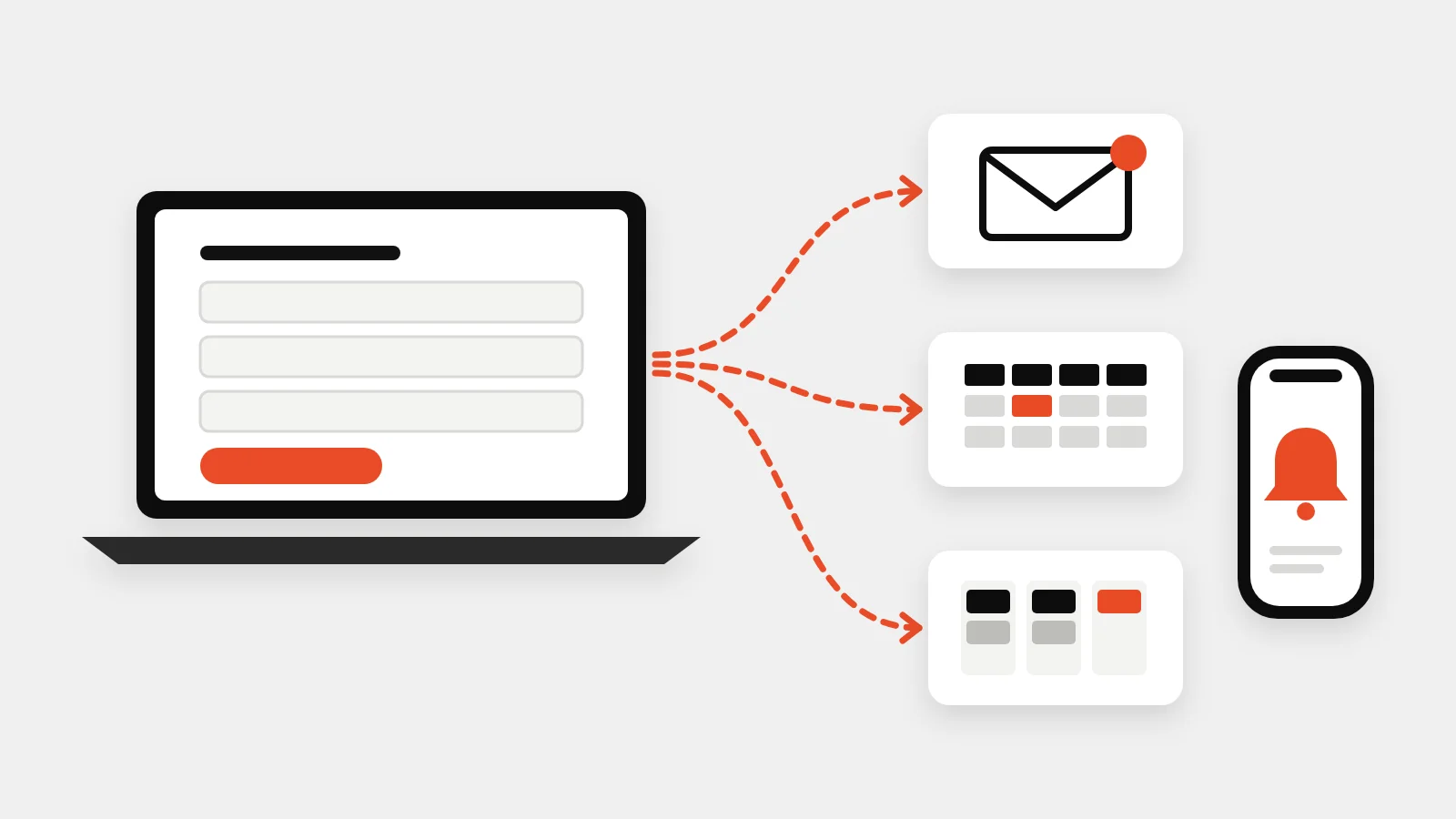
You can measure your website's return on investment with three numbers: how many leads it produces, how many of those become jobs, and what those jobs are worth. Most service businesses don't know the first number, because calls aren't tracked and form leads get mixed in with everything else. Here's how to set up measurement properly and report it in one page a month.
The simple ROI formula
Website ROI = (revenue from website leads − cost of the website and its marketing) ÷ cost
To fill it in, you need:
- Leads from the website: calls, form submissions, bookings and chat messages.
- Close rate: the share of those leads that become paying jobs.
- Average job value, or better, customer lifetime value for recurring services.
- Costs: the website itself, hosting, SEO, ads and tools.
Step 1: Track forms and bookings in GA4
In Google Analytics 4, mark the actions that matter as key events: form submissions, booking confirmations and clicks on your phone number or email. As LovesData explains, you can turn an existing event into a key event in the Admin area by clicking the star next to it in the events list.
Test each one: submit your own form and check it appears in GA4's real-time report.
Step 2: Track phone calls
For home service businesses, most leads still call. Two levels of call tracking:
- Click-to-call tracking: a GA4 event when someone taps your number on mobile. Free and simple, but it misses people who dial manually.
- Dynamic call tracking: a call tracking service shows a different number depending on where the visitor came from (Google organic, Google Ads, Facebook) and forwards to your real line. It records the call source, duration and often a recording.
Keep your main number consistent on your Google Business Profile and directories; dynamic numbers belong on the website only, so your business details stay consistent across listings.
Step 3: Tag your campaigns
Add UTM parameters to links in emails, social posts and ads (?utm_source=facebook&utm_medium=paid&utm_campaign=spring-tuneup) so GA4 can attribute leads to them. Your Google Business Profile website link deserves a UTM too, so you can separate Maps traffic from regular search.
Step 4: Connect leads to jobs
The most useful number is cost per booked job, not cost per lead. Ask "How did you hear about us?" on every call, and record the lead source in your field service or CRM software, so you can match leads to revenue. Our lead flow work often starts exactly here, connecting forms, calls and your CRM in one place; our guide to sending website leads to your CRM shows how.
Step 5: Report one page a month
| Metric | This month | Last month |
|---|---|---|
| Website calls | ||
| Website forms and bookings | ||
| Leads by source (Maps, search, ads, social) | ||
| Booked jobs from website leads | ||
| Revenue from website leads | ||
| Website and marketing cost | ||
| Cost per booked job |
Add Google Business Profile calls and direction requests, and Search Console clicks, for the full picture.
Common mistakes
- Counting traffic instead of leads. Visitors don't pay invoices.
- Missing calls entirely, which hides the website's biggest contribution.
- Judging too early. SEO compounds; compare quarters, not weeks.
- Paying for ads without tracking. With Google now charging for missed Local Services Ads calls, call tracking also shows how many calls you're paying for but not answering.
Built in from day one
Every lead generation website we build includes GA4 key events for calls, forms and bookings, and our local ads clients get a monthly report like the one above. Get a fixed quote.