Google Business Profile management is the ongoing work of keeping your listing on Google Search and Maps accurate, active and trusted: the right categories and services, fresh photos and posts, replies to every review, quick fixes when something goes wrong and a monthly look at the calls it brings in.
For a local service business, that listing is often the first thing a customer sees, before your website. Google says it ranks local results on relevance, distance and prominence, and almost everything in a good management routine feeds relevance or prominence.
Here's what proper Google Business Profile management includes, whether you do it yourself or hire someone.
Setup and verification
Everything starts with a verified profile in your own Google account.
- Claim or create the profile and complete verification
- Use your real business name, exactly as customers see it on your vans, invoices and signs. Google's guidelines don't allow extra keywords or locations in the name
- Add your phone number, website and hours, including holiday hours
- Decide whether you're a storefront, a service-area business or both
Categories and services
Categories are one of the few settings Google openly connects to ranking: it says the categories you choose "affect your local ranking on Google".
- Primary category: The most specific one that describes your business, such as "HVAC contractor" or "Roofing contractor."
- Additional categories: A few that are genuinely part of the business. Google advises against adding a category for every service.
- Services list: Every service you offer, with a short description. This is where specific jobs belong.
Service areas
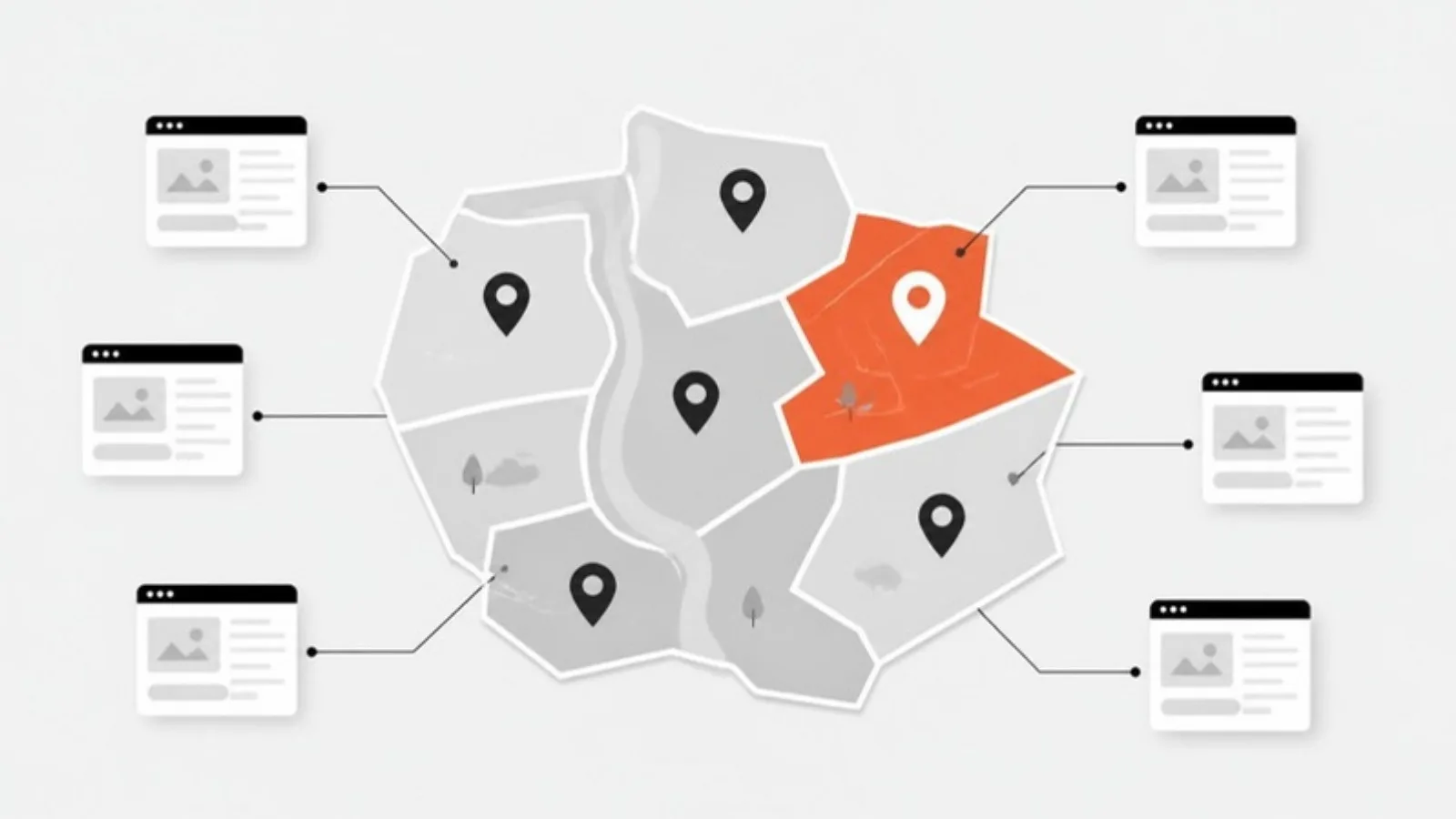
If customers don't come to you, the address comes off the profile and service areas go on. Google allows up to 20 service areas, set by city or postal code, and says the overall area shouldn't be more than about 2 hours' drive from your base.
Photos
Real photos of your team, trucks and finished jobs build trust before anyone calls. A management routine adds new ones regularly, not once at setup.
Posts
Posts are short updates that appear on your profile. Google offers three types:
- Updates: news, recent jobs or tips, with a photo and a button
- Offers: a seasonal discount with dates and terms
- Events: anything with a start and end date
Posts older than six months are archived unless they have a date range, so a steady rhythm matters more than a burst.
Reviews and replies
This is where most of the value is. Management means replying to every review, positive or negative, and making sure review requests go out after jobs.
Google's own tips for replies: be professional and polite, keep it short, address the reviewer by name and respond to what they actually said, never share private information, and don't use replies to push deals. It also prohibits offering anything in exchange for reviews.
Our reputation management playbook covers the review side in detail.
Fixing problems
Things go wrong on Google profiles more than owners expect:
- Customers or competitors suggest edits that change your hours, phone or category
- Spam listings appear near you with keyword-stuffed names
- Profiles get suspended, sometimes after a simple edit
A manager checks for changes and acts fast. If your profile is ever suspended, our guide to Google Business Profile suspensions explains how to recover.
Monthly reporting
Your profile's performance report shows calls, direction requests and website clicks. A good monthly report tracks those three numbers, plus new reviews and your average rating, so you can see the trend.
Doing it yourself vs hiring help
| Doing it yourself | Hiring a manager | |
|---|---|---|
| Cost | Your time | A monthly fee |
| Review replies | When you remember | Every review, within a day or two |
| Posts and photos | Often forgotten in busy season | On a schedule |
| Policy and fixes | Learn as you go | Experience with suspensions and spam |
| Ownership | Yours | Should still be yours |
Either way works. What matters is that it actually happens every week.
Questions to ask before hiring anyone
- Will I stay the owner of my profile? (The answer must be yes.)
- What exactly do you do each month?
- How do you get reviews, and do you ever offer incentives? (Incentives break Google's rules.)
- Will you add keywords to my business name? (Also against the rules.)
- What will the monthly report show?
We manage Google Business Profiles for local service businesses as part of our Google Business Profile and local SEO service, with you as the owner and a short report every month. Get a fixed quote.
Sources
- Google Business Profile Help: How Google determines local ranking
- Google Business Profile: Guidelines for representing your business
- Google Business Profile Help: Choose a business category
- Google Business Profile Help: Manage your service areas
- Google Business Profile Help: Create posts on Google
- Google Business Profile Help: Tips to manage reviews