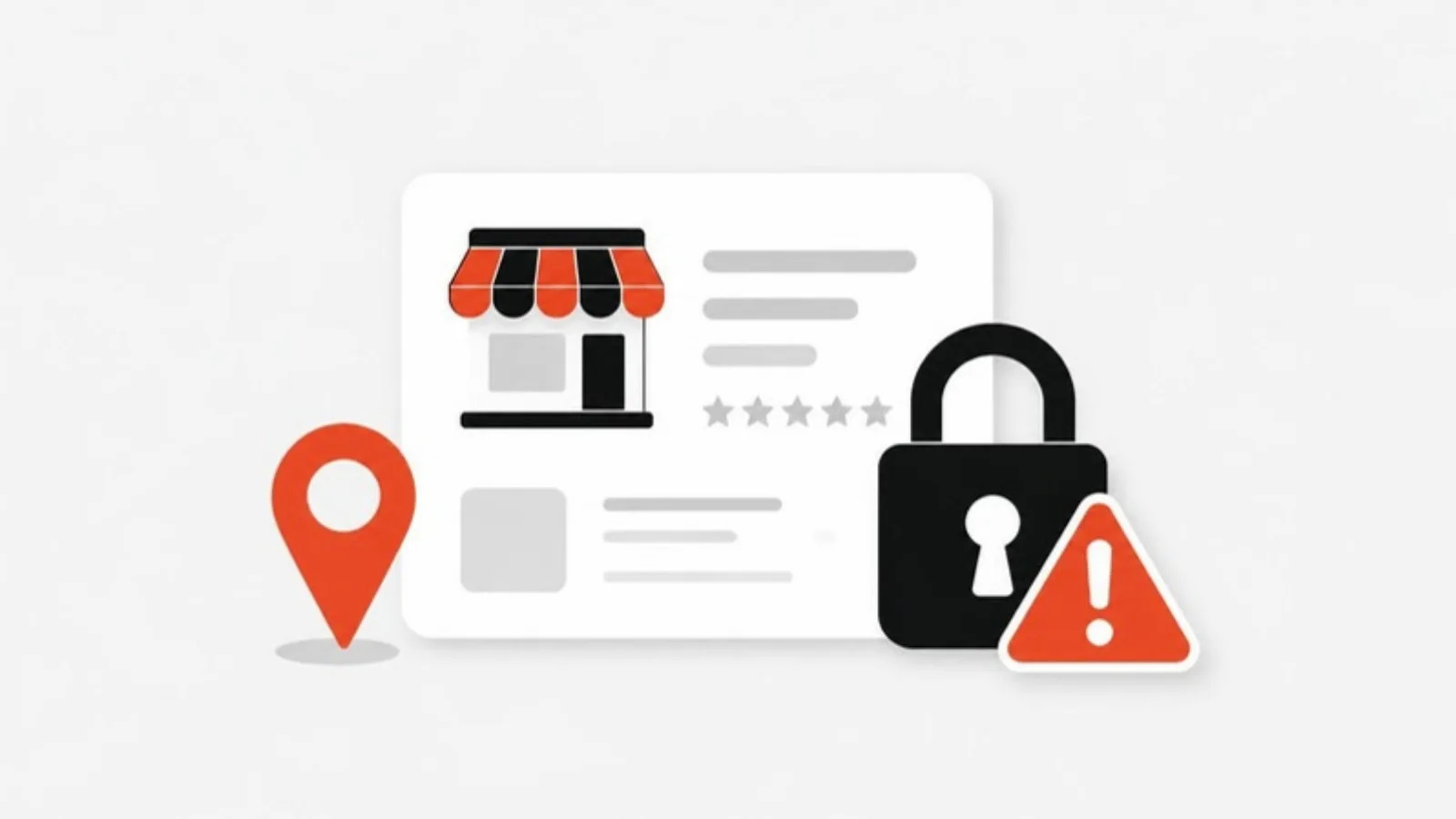
A suspended Google Business Profile means your business disappears from Google Maps, often overnight, and for a home service company that can mean losing most of its calls. Suspensions usually come from something on the profile that looks like a guideline breach, but automated enforcement also catches real, legitimate businesses. Here's how to lower the risk and what to do if it happens.
What happened in 2026?
In May 2026, Wolfpack Advising reported waves of suspensions starting around late April, first of individual listings and then of whole manager accounts. Home service businesses were hit hardest, including HVAC, plumbing, roofing, pest control and landscaping companies, and many affected profiles were long-standing and verified. The article attributes the wave to automated enforcement that can't always tell real businesses from fake ones, and cites Google's figures of 13 million fake profiles removed in its latest spam-fighting report.
What Google's guidelines say
Google's guidelines for representing your business are the rules your profile is judged against. The ones home service businesses break most often:
- Business name: it should match your real-world name. "Including unnecessary information in your business name isn't permitted," so no service keywords or city names unless they're part of your legal, signed name.
- Address: service-area businesses should hide their address if they don't serve customers there. "P.O. boxes or mailboxes located at remote locations aren't acceptable," and a rented virtual office where you don't operate "isn't eligible."
- Service area: it "shouldn't extend farther than about 2 hours of driving time" from your base, in most cases.
- One profile per business, with no duplicates.
- Categories should describe what your business is, not keywords.
Common triggers to avoid
- Keyword stuffing the name: "Best Plumber Dallas – ABC Plumbing" instead of "ABC Plumbing."
- Virtual offices or mailbox addresses.
- Showing a home address for a service-area business.
- Many large edits at once, such as name, address, phone and categories all in one day.
- Duplicate listings for the same business.
- 24/7 hours you can't actually staff.
- Inconsistent details between your profile, website and directories.
How to protect your profile
- Audit it quarterly: name, categories, address settings, hours and service areas.
- Keep documents current: business license, tax registration, proof of address, and photos of signage and branded vehicles.
- Spread out big changes over several days or weeks.
- Keep your name, phone and service area identical on your website and listings. Our guide to service area pages explains how to cover more towns on your website instead of stretching your profile.
- Keep reviews and posts coming, so the profile looks active and real.
If you're suspended: the recovery steps
- Don't panic, and don't create a new listing.
- Fix the likely cause first: match the name to your legal registration, hide a home address, remove duplicates, correct hours.
- Gather evidence: business license, tax certificate, utility bill with your name and address, and photos of signage, vehicles and job sites.
- Submit one appeal through Google's Appeals Tool from the account that owns the profile. Keep it short and factual.
- Wait without editing. Reviews can take from a few business days to several weeks.
- If denied, submit a new appeal with additional evidence, and ask for help in the Google Business Profile Help Community.
Don't let one listing be your whole business
Even a temporary suspension shows why it pays to have other ways in: a website that ranks on its own, reviews on more than one platform and a customer list you can contact directly. We handle profile clean-ups, appeals support and ongoing local SEO for plumbers, HVAC companies and other trades. Get a fixed quote.