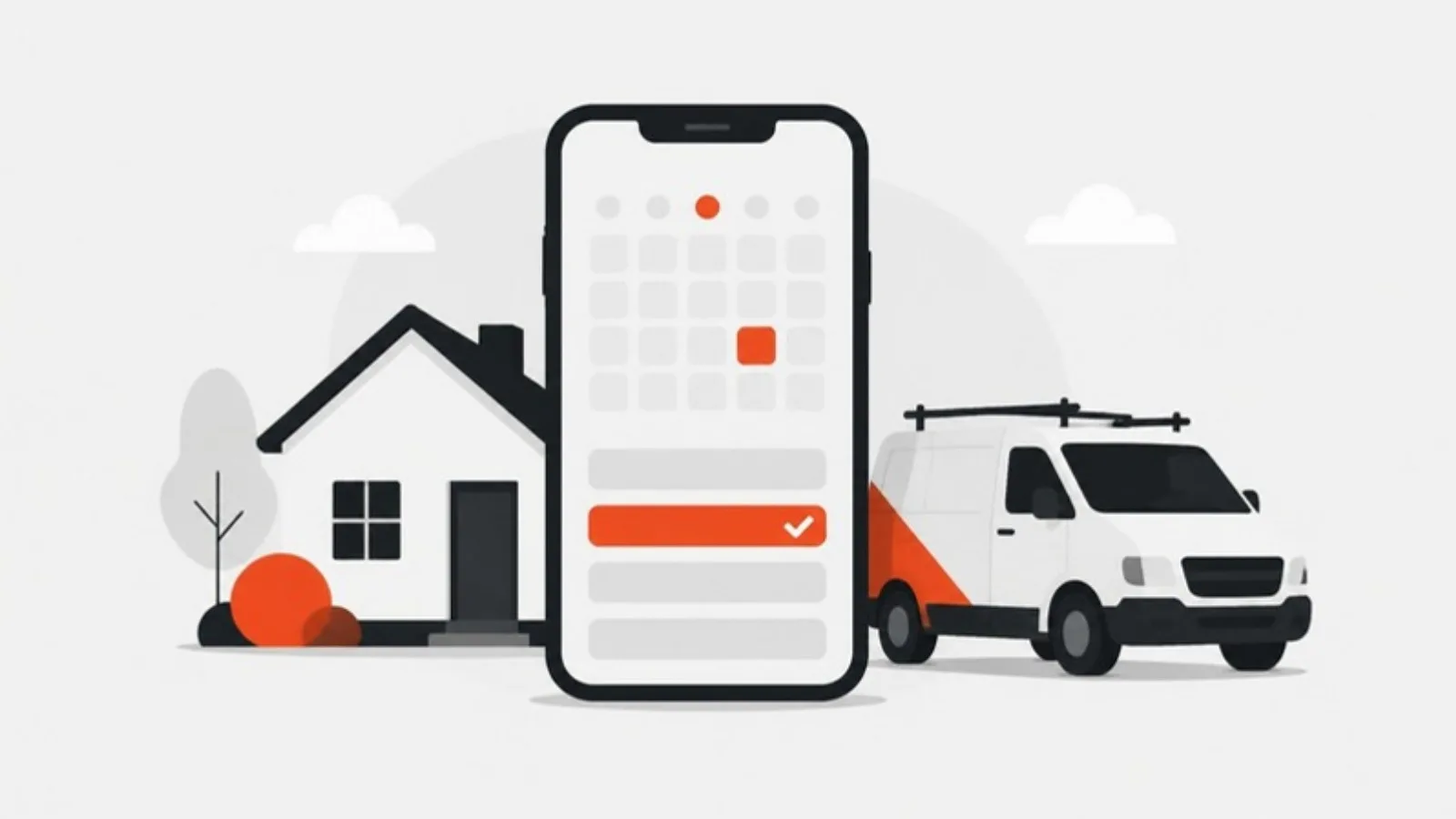
Online booking is worth it for most home service businesses, but only for the right jobs and only if it's connected to your real schedule. It answers customers instantly, at 10 p.m. as easily as 10 a.m., and it saves your office time. For complex or urgent work, a short request form and a fast callback still win.
Why customers want to book online
Jobber's 2026 Home Service Trends Report found more than 55% of customers expect a reply within the hour, and 28% expect it immediately. Online booking is the only response that's always immediate. It also suits people who research and decide in the evening, after your office has closed.
The same survey found 15% of owners name scheduling capacity as a challenge, and the back-and-forth of finding a time is part of what eats office hours.
When online booking works well
- Maintenance and tune-ups: HVAC seasonal checks, water heater flushes, gutter cleaning.
- Recurring services: house cleaning, lawn care, pool service.
- Inspections and estimates: roof inspections, remodeling consultations, pest inspections.
- Fixed-scope jobs: a standard drain cleaning, a smart thermostat install.
When it backfires
- Emergencies: someone with water on the floor wants a human now, not a calendar three days out.
- Jobs that need diagnosis first, where the duration is unknown.
- When the calendar isn't real: if customers book slots you can't keep, you'll spend more time apologizing than you saved.
How to set it up well
Connect it to your dispatch software
Use the booking feature in the field service software you already use, so customers only see times your team can actually take, and bookings land on the schedule without retyping.
Offer booking for specific services
Don't put "Book now" on everything. Add it to the service pages where it fits, and keep "Call now" and a request form for the rest.
Keep the form short
Service, address, preferred time, name, phone and a notes field, with an optional photo upload. Anything else can wait for the confirmation call.
Confirm instantly and remind automatically
Send a confirmation by text and email straight away, a reminder the day before and a "technician on the way" message. Fewer no-shows, fewer "when are you coming?" calls.
Take deposits for bigger or high no-show jobs
A small deposit for consultations or first-time cleanings reduces no-shows. Explain the refund policy clearly.
Make phone the obvious backup
Put your phone number next to every booking button for people who'd rather talk, and for anything urgent.
What about a custom booking app?
Most home service businesses don't need one: the booking built into Jobber, Housecall Pro or ServiceTitan covers standard needs. A custom booking system makes sense when you have unusual rules, such as complex pricing, multiple crews with different skills or memberships, that off-the-shelf tools can't handle.
Put booking where customers decide
Booking buttons work best on service pages, next to your prices, reviews and phone number. We build lead generation websites that integrate with your booking software, for cleaning companies and other trades. Pair it with a fast reply routine, covered in our guide to speed to lead. Get a fixed quote.