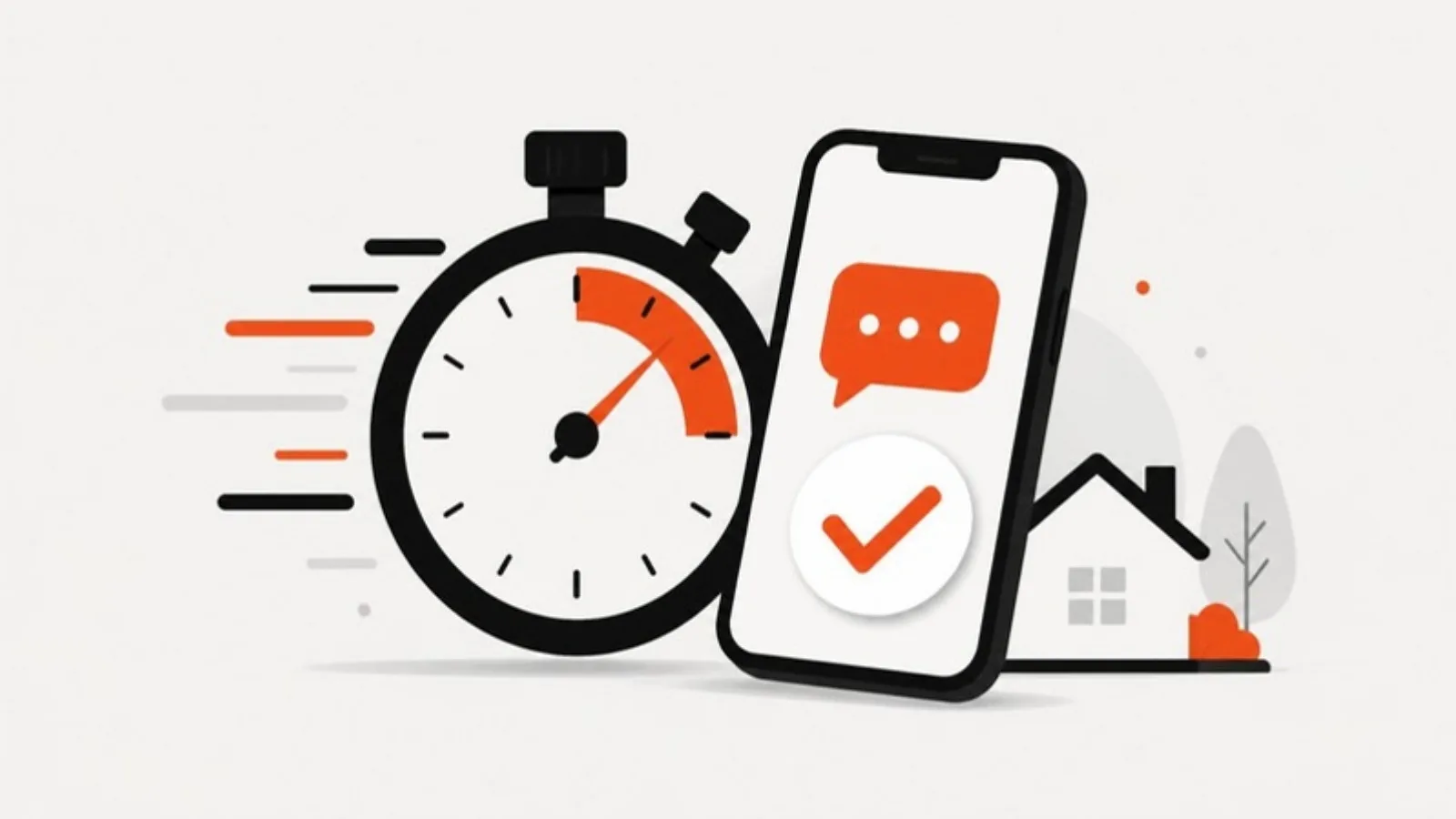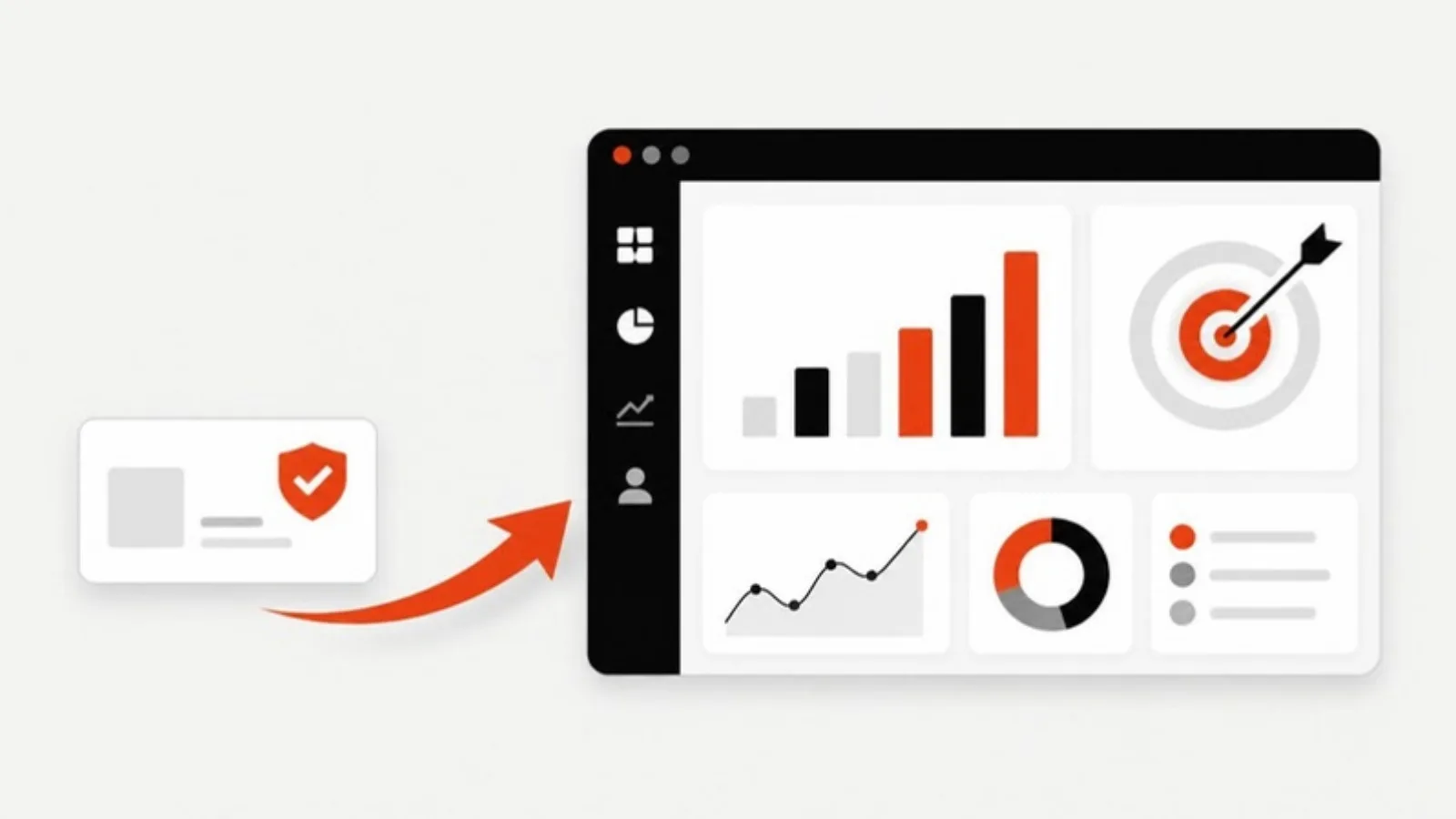
Google is moving Local Services Ads into Google Ads. The ads don't disappear: you'll still pay per lead and still show at the top of Search and Maps, but the separate Local Services dashboard is retired once your account migrates, and some settings work differently. Here's what changes and what to do before your turn comes.
What's actually happening?
According to Elevarus's migration guide, which tracks Google's announcements and trade press coverage:
| When | What |
|---|---|
| Aug 20, 2025 | Google announced one consolidated Google Verified badge |
| Oct 2025 | Badge rollout began |
| Dec 7, 2025 | The Local Services money-back guarantee was discontinued |
| Early Aug 2026 | Phase 1 migrations began for US home and storefront services |
| Late 2026 | Phase 2: service-area businesses (directional, not firm) |
| 2027 | Phase 3: non-US and remaining accounts (directional) |
Each account gets a notice about 14 days before it moves, with a reminder seven days later.
Separately, Google now charges for missed calls over 20 seconds during business hours, effective October 1, 2026.
What transfers, and what doesn't
Transfers: your leads, your reviews and your Google Verified badge.
Doesn't transfer: historical performance reports. Once the old dashboard is gone, so is easy access to your past cost per lead by job type and month.
Your pre-migration checklist
1. Export your history now
Download lead reports, charged leads and cost by job type and month. You'll want a baseline to judge whether costs moved after migration.
2. Convert your budget
The new campaign uses a daily budget. Elevarus's rule of thumb: daily budget equals your current weekly budget divided by seven.
3. Pick one target cost per lead
Manual maximum cost per lead is gone, and so are per-vertical targets. You set one campaign-level target. Base it on your historical average and what a lead is worth to you, not on what you wish leads cost.
4. Expect about two weeks of turbulence
Automated bidding needs data. Expect cost per lead to wobble for roughly two weeks after migration before you judge it or change targets.
5. Replace the old BBB callout
The guide recommends replacing the Better Business Bureau callout with about six structured callouts, such as licensed and insured, upfront pricing, same-day service or financing.
6. Don't touch your Business Profile name or address
A significant change to the name or address on your Google Business Profile can trigger a 24 to 48 hour re-verification that pauses the campaign. Schedule any rebrand well away from your migration date.
7. Tighten service areas and job types
Out-of-area and wrong-service calls aren't credited back under Google's automated system. Remove zip codes and job types you don't want before you migrate.
8. Stop mentioning the money-back guarantee
It ended on December 7, 2025. If your website, quotes or scripts still promise customers a Google money-back guarantee, remove it.
Will costs go up?
The billing model is the same: you pay per lead. But losing manual bidding, plus missed calls now being billable, can move your effective cost per lead either way for a while. The advertisers who come out ahead will be the ones who answer every call, measure cost per booked job rather than cost per lead, and don't depend on a single channel.
Where your website fits in
Local Services Ads rent you a spot at the top of the page. Your website and Google Business Profile build traffic you don't pay for per lead. If Local Services Ads are most of your leads today, the migration is a good moment to invest in local SEO and a lead generation website alongside them.
We set up and manage Local Services Ads and Google Ads for roofers, HVAC companies and other trades. Get a fixed quote if you'd like help with the migration.